A two-channel oscilloscope, built in
Clip a probe onto any hole and watch the voltage over time. Here's a 555 timer: its capacitor charging and discharging, and the square wave it makes.
Free, and it runs in your browser
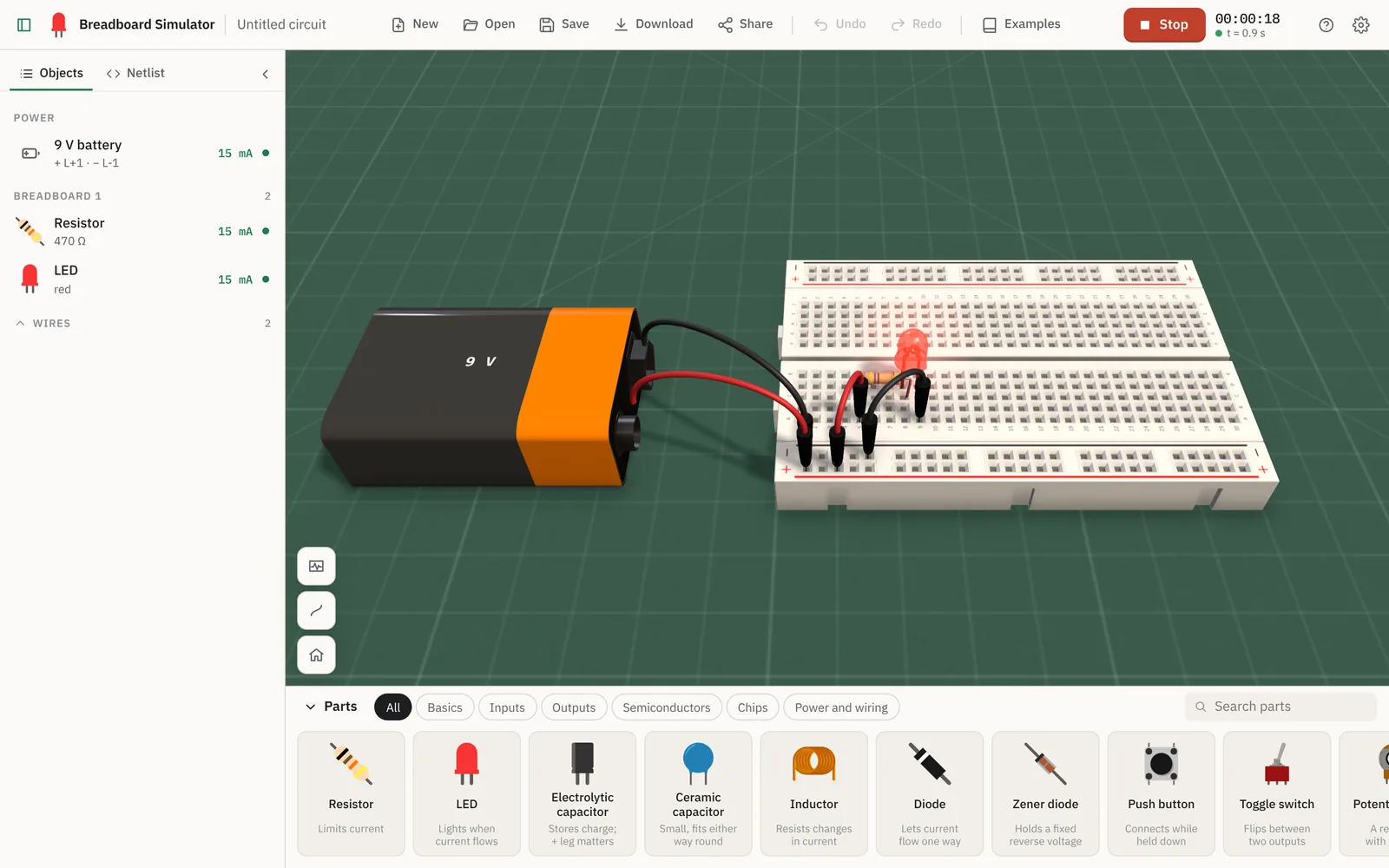
Plug real components into a breadboard in realistic 3D, wire them up and watch them behave exactly like they would on your desk. Then push them too far, and see what happens.
Simulated, not animated
That glow isn't a special effect. A real circuit solver works out the current through the LED, live, and the light follows.
So when you break the circuit
Pull a leg out of the board and the current stops. It goes dark, just like the real thing would.
Every part is real.
Every result is earned.
Live simulation
Change a value while the circuit is running and it responds straight away, so you see cause and effect instead of just an answer. Try it on the LED.
Pop. That's the magic smoke. A real LED wouldn't come back from this one.
Drag towards 47 Ω to see what too much current does.
Under the hood
Every circuit is solved by ngspice, the open-source SPICE simulator used to design real hardware. It's compiled to WebAssembly and runs on your own device, so there's nothing to install and nothing to wait for.
Clip a probe onto any hole and watch the voltage over time. Here's a 555 timer: its capacitor charging and discharging, and the square wave it makes.
Logic chips run on SPICE's own digital models right alongside your transistors and capacitors. Mix a 555, some gates and a counter on one board.
0installs
Open a tab and start. It works offline once it has loaded, and on a school Chromebook as happily as a gaming PC.
Wire an LED straight across a battery or put a capacitor in backwards. You'll see it fail, smoke and all, and learn why without buying a single spare.
The parts drawer
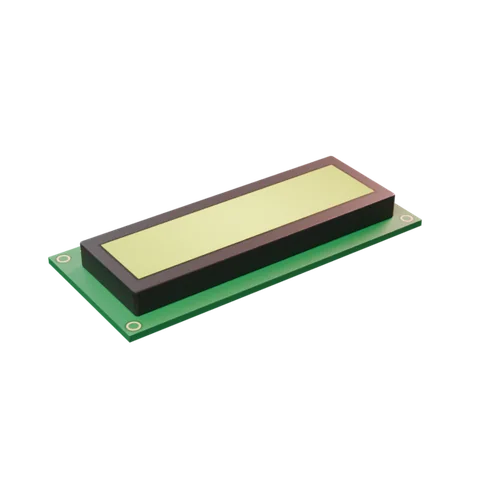
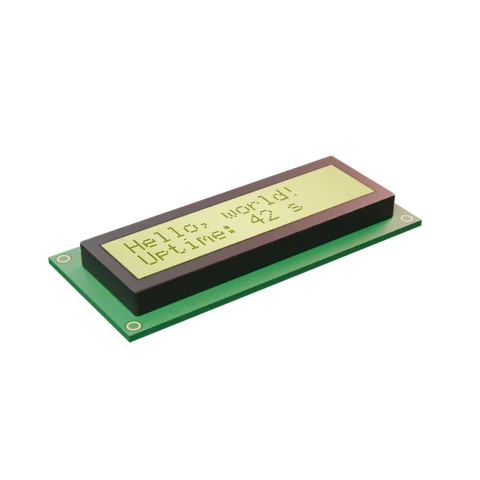
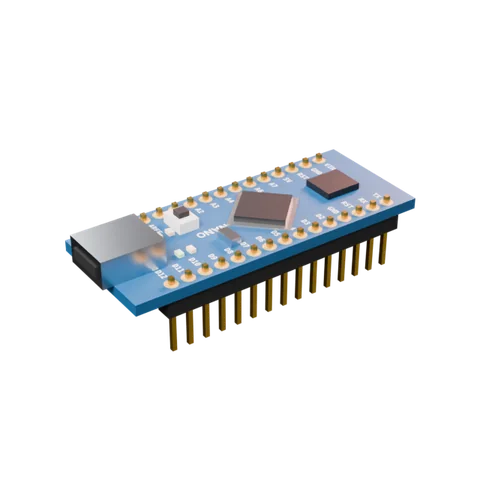
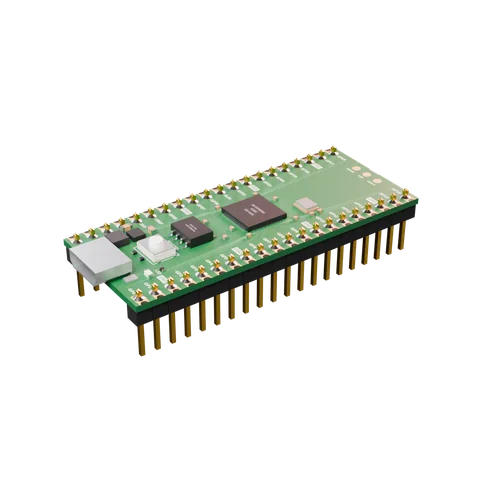
From your very first resistor to timers, op-amps, regulators and logic chips. Drag one out and it snaps into the board.
Phone, tablet, laptop
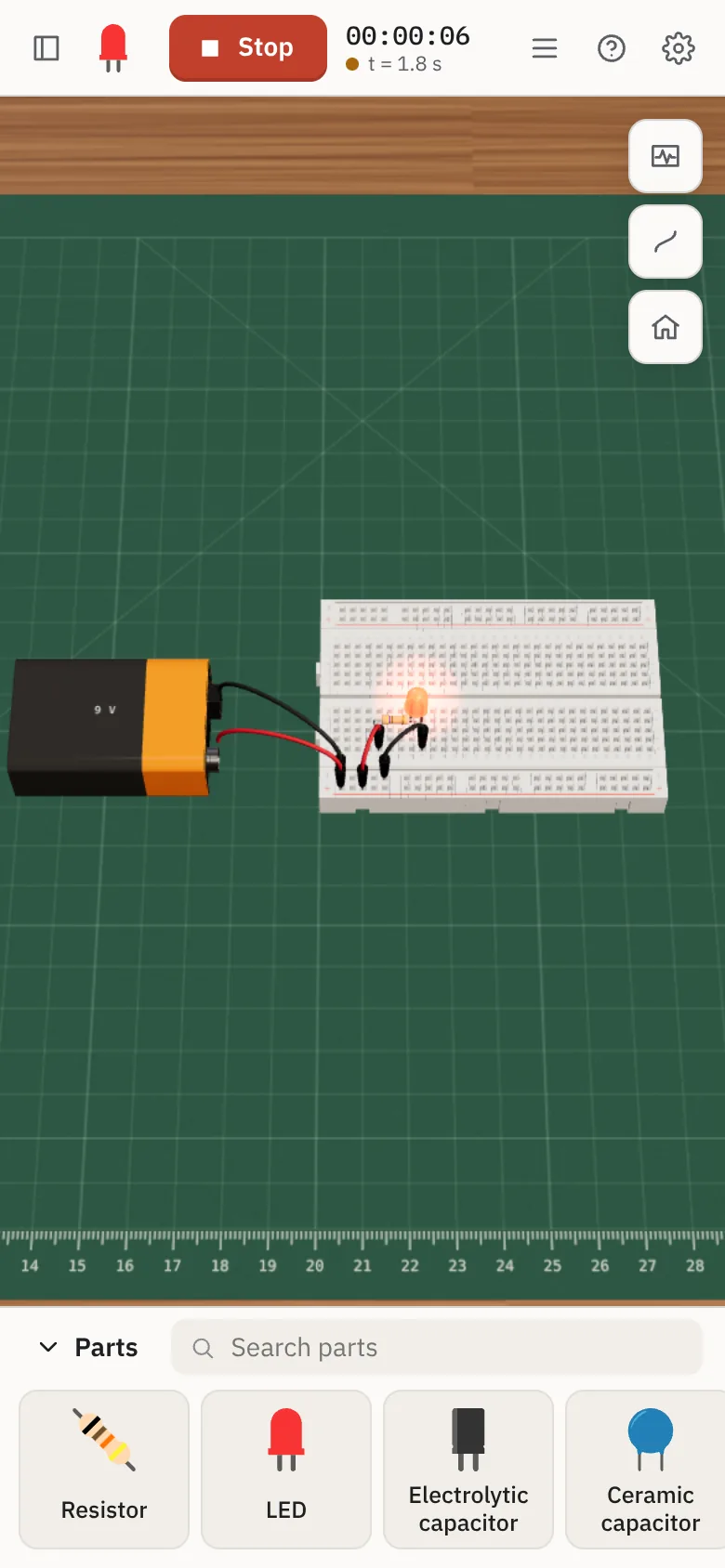
Built for touch from the start. Swipe through the parts drawer, drag a part onto the board, pinch to look closer and tap a button to press it. The same circuit works on every screen you own.


For everyone who's curious
Build it, break it, fix it. Tap any part to see what it does and read its live voltage and current, so the numbers in your textbook finally mean something.
Build a circuit once and share it as a link. Every student opens the same thing on whatever device the school has, and nobody has to hunt for a missing jumper wire.
Try an idea before you order parts. Check that resistor value, see if the 555 really blinks at 1 Hz, and only then warm up the soldering iron.
Start from a ready-made example
Questions
Yes. There's no trial, no account and nothing to unlock. Open it and build.
No. It runs in any modern browser on Windows, macOS, Linux, ChromeOS, iOS and Android. If you like, you can add it to your home screen or dock so it opens like an app.
Circuits are solved with ngspice, a full SPICE simulator, using models of real parts like the 2N3904 transistor and the NE555 timer. It's the same kind of maths used to design real electronics, so what you see is what the circuit would do.
Your work is kept in your browser between visits. You can also save a circuit to a file, or share it as a link that contains the entire circuit.
Yes. After the first visit everything it needs is stored on your device, so it keeps working on a plane or in a classroom with patchy wifi.
Free, in your browser, on any device. Plug something in.
Open Breadboard Simulator